Word table heading missing on page two? Check the header rows and page break
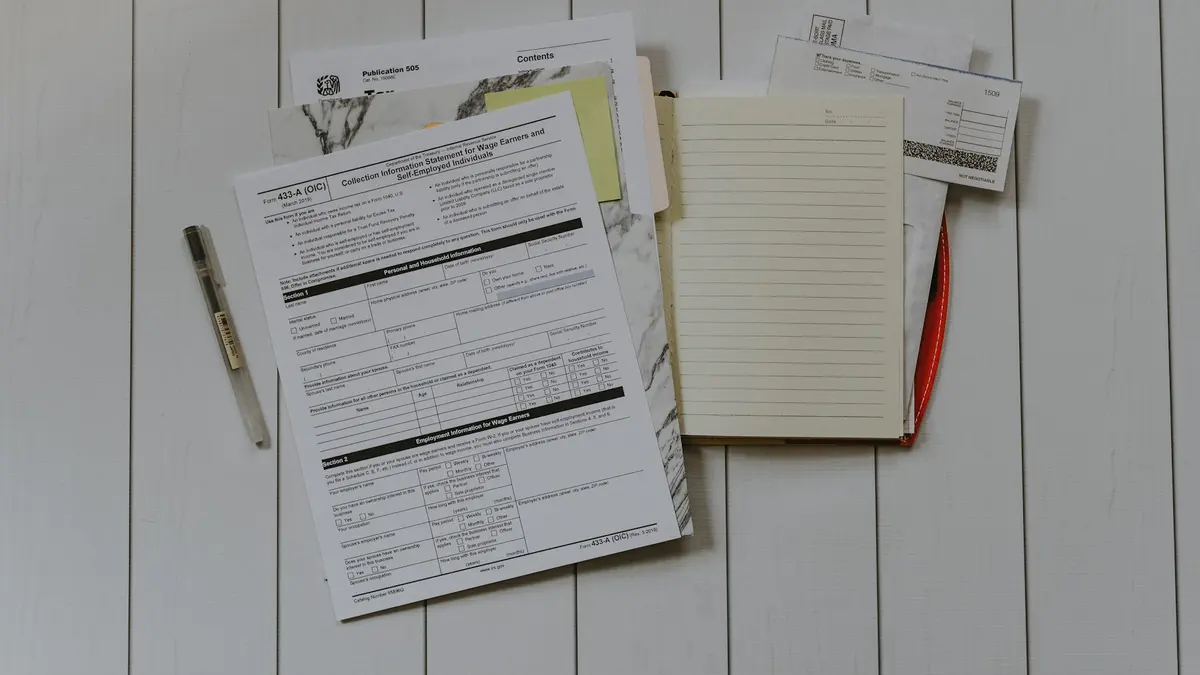
Reproduce a Word table spanning two pages, then check repeated headers, manual page breaks, row splitting and the exported result.
Interactive controls could not load. Reload this page to try again; the content and guides below are still available.
Reload pageKitNelo Blog
Turn separate PDFs and screenshots into usable material. Learn document merging, image text recognition and checks to make before sharing. Step-by-step help with office work, creative tasks and digital life. Choose a method, understand its limits and check the result.
Published by the KitNelo site maintainers. How we source, check and correct articles
You can browse the articles below while search loads.
OFFICE TASKS · START HERE
Combine files, keep valid order lines or check a report. Choose your task, see the example result and open the matching tool.
Original fictional exercises · no account needed · reusable CSVs
Excel Month-End Reporting PackSTORE-REPORT EXERCISE · CHECK TOTALS
Two source files, eight records. These are sample calculations, not product performance or traffic results.
Follow the full case →A sample you can reproduce
Two fictional store CSVs, eight records. After aligning headers and cleaning amounts: Oct 1–7 = 3,000; Oct 8–14 = 3,600; change = +20%. No records need deduplication in this sample.
Excel Month-End Reporting PackThe ZIP includes the field mapping, date ranges, expected totals and the reference XLSX. The example uses fictional data and opens without an account.
Reproduce a Word table spanning two pages, then check repeated headers, manual page breaks, row splitting and the exported result.
No Markup changes the display, not pending edits. Work through two fictional changes, accept or reject each, then check comments and the saved handoff copy separately.
Build a native chart with fictional values 12, 18 and 15 in KitNelo’s PPT templates. Check the underlying data, speaker notes and a recoverable JSON draft, with clear limits for PPTX, preview and later edits.
Use original 2024-01-01 controls, serials 45292 and 43830, to distinguish 1900/1904 systems, already converted values and date text. Preserve source evidence and avoid a second adjustment.
Compare a four-row workbook totaling 375 with a two-row delivery totaling 150. Check stored hidden rows, excluded columns, record IDs and actual merge downloads.
Compare two UTF-8 CSV originals to distinguish wrong decoding from damaged multilingual text. Reimport with explicit settings, preserve IDs and verify three records totaling 20.00.
Use a two-page 240.00 teaching quote to separate a visible review mark from certificate validation. Choose the delivery object first and inspect the actual PDF, not a signature screenshot.
A rectangle may hide a PDF’s appearance while leaving its text intact. Separate marking, applying redaction and checking the saved delivery copy.
Download a three-file archive, verify full and subset exports and distinguish two report.csv downloads. Reconcile paths, byte counts and content before handing off.
CSV quotes delimit fields, not cell types. Use four harmless records to retain literal text and inspect the downloaded XLSX.
Build a three-row Word sample from reusable inputs, extract and reopen its ZIP, then compare Pens 12, missing Folders and Tape 2 against the original cells and document parts.
Use a six-page specimen to verify the result of 6,2,2,4-5: ascending physical-page order, duplicate removal and a new-file map for covers, Roman labels and appendices.
Download complete JSON, a malformed copy and quantity CSV. Check orders/meta sheets, exact numeric text and null loss, then type only quantity as numbers totaling five.
Make a three-page review PDF with a visible text watermark and file-page numbers. Check mixed orientations, readable tables and overlapping footers without confusing marking with encryption.
Download a semicolon CSV and typed answer, preserve leading zeros and a 17-digit ID, distinguish zero from blank, and reproduce precision/date validation failures.
Download stale, missing and checked XLSX fixtures. Reproduce cached 20 versus correct 30, reconcile both CSVs and total 54, and avoid replacing missing caches with zero.
Turn PDF text into an editable DOCX draft while checking columns, missing images and mixed scanned pages. Learn what text extraction can and cannot preserve.
Export DOCX body text and embedded media, compare a stored image with its Word crop, and build a reviewed asset list before handing files to another person.
Find the corresponding tool and start your task.