The practical answer
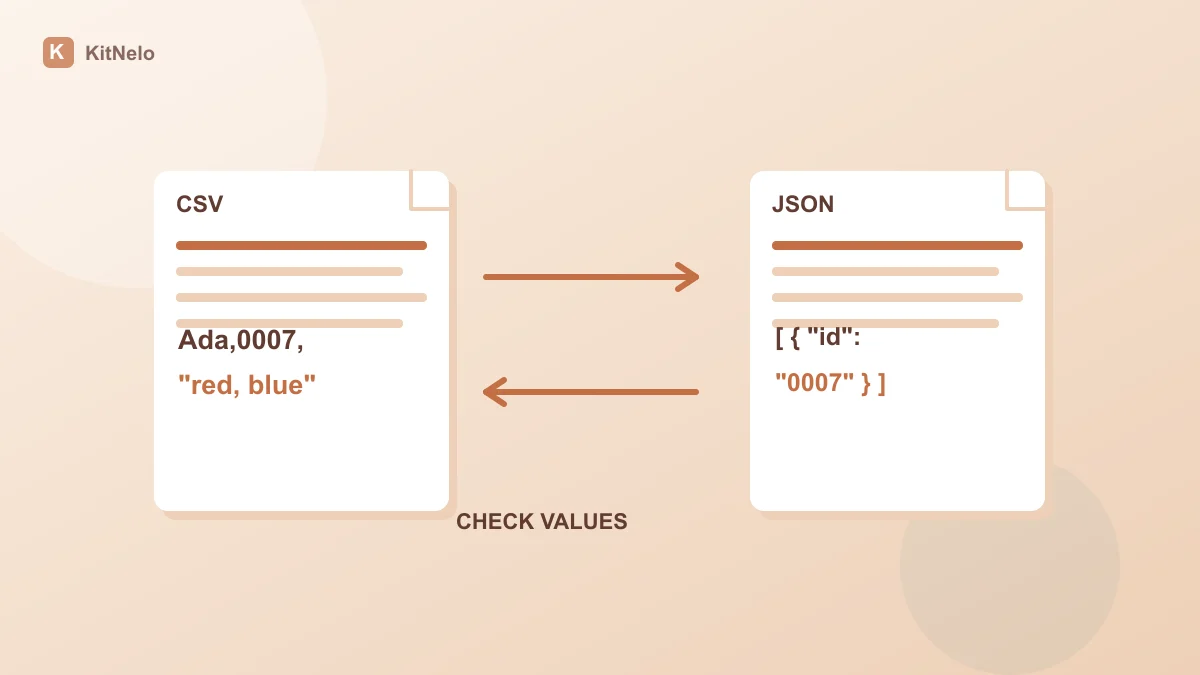
Use the CSV / JSON converter to turn CSV with headers into an object array. The reverse action accepts a nonempty flat object array. Check field names and counts, quote CSV fields containing commas, quotes or line breaks, and keep identifiers as strings.
CSV quotes define field boundaries
RFC 4180’s CSV format description explains quoted fields and escaping quotes. Enclose a field containing commas or line breaks, and represent an embedded quote with two quotes. Splitting text at every newline and comma is insufficient.
This tool requires unique nonempty headers and consistent column counts. Repair malformed quotes or rows first rather than deleting all quotes. CSV to JSON preserves field text; it does not infer the business meaning of dates or amounts.
A fictional single-record conversion
name,id,note Ada,0007,"red, blue"
[{"name":"Ada","id":"0007","note":"red, blue"}]
Confirm a flat table before converting JSON
RFC 8259’s JSON specification distinguishes objects, arrays, strings, numbers and null. This entry converts flat object arrays rather than expanding nested objects or arrays into new columns automatically.
If address is an object, decide which fields you need and flatten them into columns such as city and street. The union of record keys becomes the CSV header. Missing keys and null values both export as empty cells, so CSV cannot retain that distinction without a separate status column.
Store 0007, long identifiers and account codes explicitly as strings. Zeros already lost upstream cannot be reliably reconstructed by conversion. Import identifier columns as text when opening the exported CSV in Excel too.
Verify output before passing it on
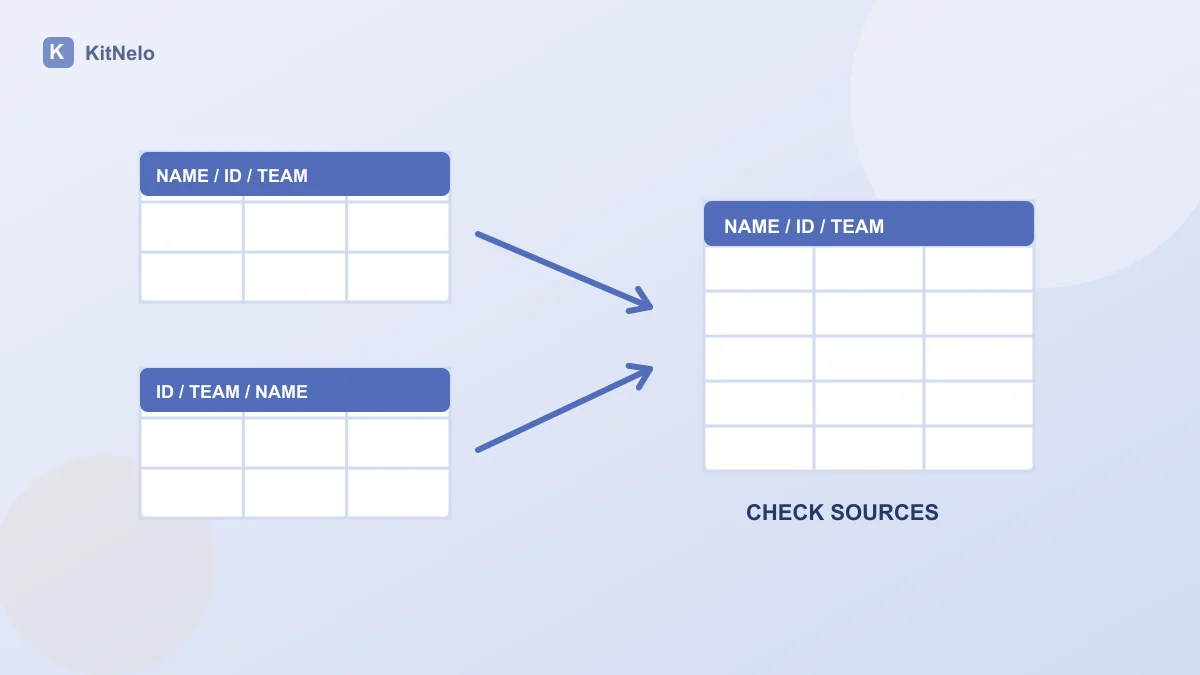
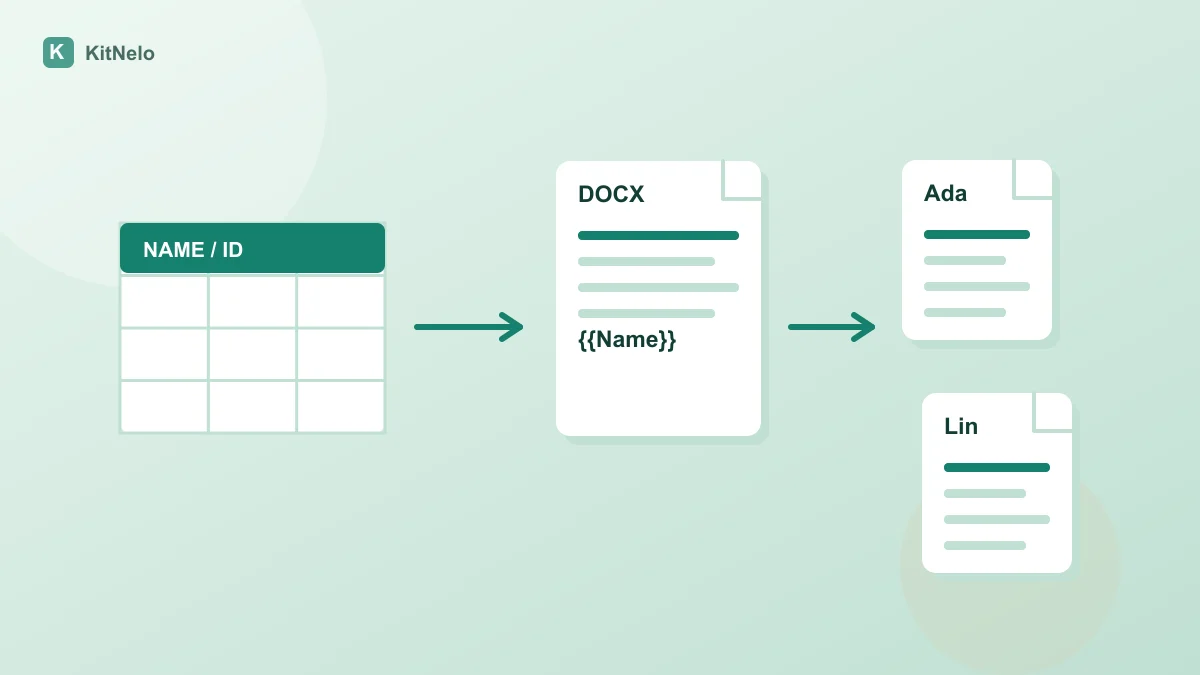
For several input files, first read the column-name spreadsheet merge guide. To generate documents, follow the Word template mapping checks. Successful format conversion does not establish that business data is correct.
- Choose two or three nonsensitive records covering commas, line breaks, blanks and identifiers.
- Run forward CSV to JSON or reverse JSON to CSV and inspect record counts, headers and field boundaries.
- Check identifier text, line breaks and blanks, then copy or download the actual output. Inspect more than the first record.
- Regenerate after changing input. Clear saved browser input drafts after processing sensitive data on a shared device.
Common questions
Does it support nested JSON?
JSON to CSV here rejects object or array field values. Expand the required fields into named columns first.
Are null and missing fields kept distinct?
No. Both become empty CSV cells in this conversion. Add a status column when the difference matters.
Can I upload Excel directly?
This entry accepts pasted text. Export Excel as CSV in a spreadsheet tool, then review and convert the text.
Further reading & sources
Put the guide into practice
Open the relevant tool, preview the result and check your exported file.