Use Chrome selection translation while retaining the source sentence, translation, conditions and locator. A fictional resubmission rule shows why fluent notes must preserve only-if clauses and negation.
Track three fictional course attachments through not started, blocked, failed and saved states. Check Chrome automatic-download permissions only when relevant, then open each actual file before marking the material complete.
Distinguish Chrome caret browsing from an input field. Practice selecting an original Unless sentence, inspect the pasted text and keep a source locator so a missing condition does not become an unconditional rule.
Separate a blocked quiz window from a login problem and an unsubmitted draft. Work through four original course records, use a site exception only when justified, and verify the actual task status.
Pair source material with notes, distinguish scrolling from activation, check which pane navigation and printing affect, and repair an unsupported conclusion using complete original teaching material.
Configure a desktop Chrome shortcut with an OpenStax domain-search teaching template. Separate the label, trigger and %s placeholder, then verify scope with two different queries.
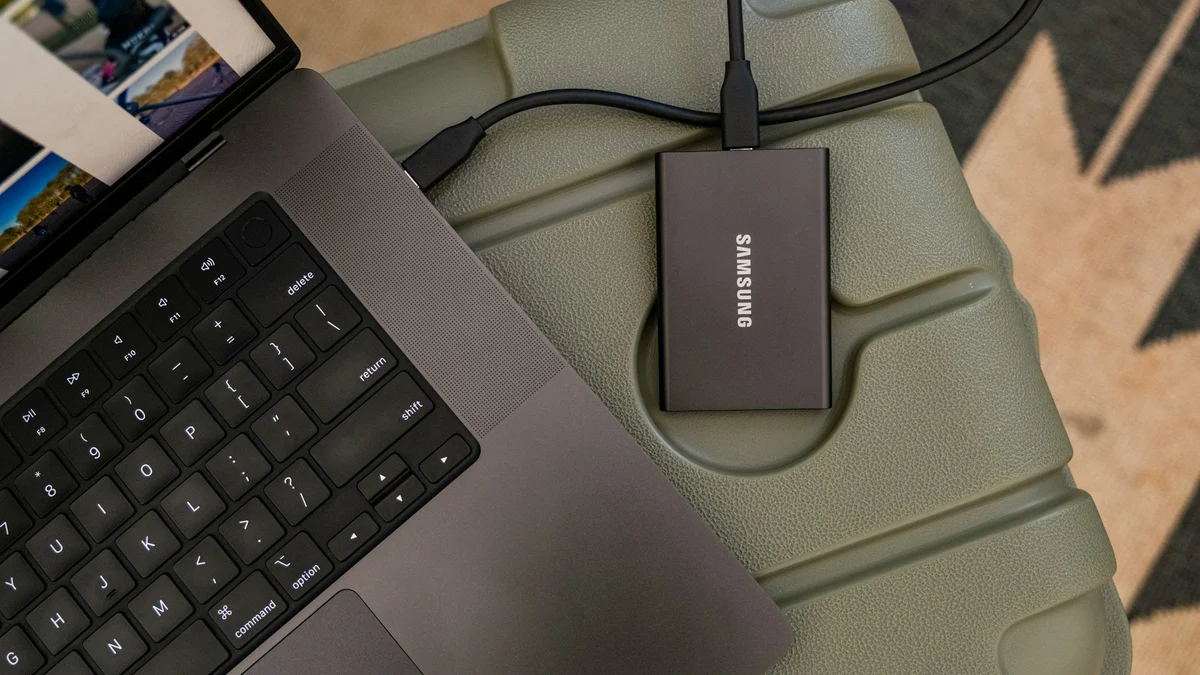
Distinguish a local result library, previews, original downloads and an independent backup. Check PDF pages, image pixels and CSV identifiers before moving devices.
Separate PDF previews, download history and real local files. Use a twelve-page study scenario to check location, completeness and edited versions before relying on offline reading.
Compare a course site with its embedded provider in Chrome. Diagnose the sign-in path and distinguish access from submitted work.
Use a three-fact reading specimen to check study audio across site identity, microphone access, system input, mute and playback. Keep transcription failures separate from permissions.
Use an original course-material exercise to distinguish desktop Chrome profiles, tab groups, website identity and downloaded files, with a checkable submission handoff.
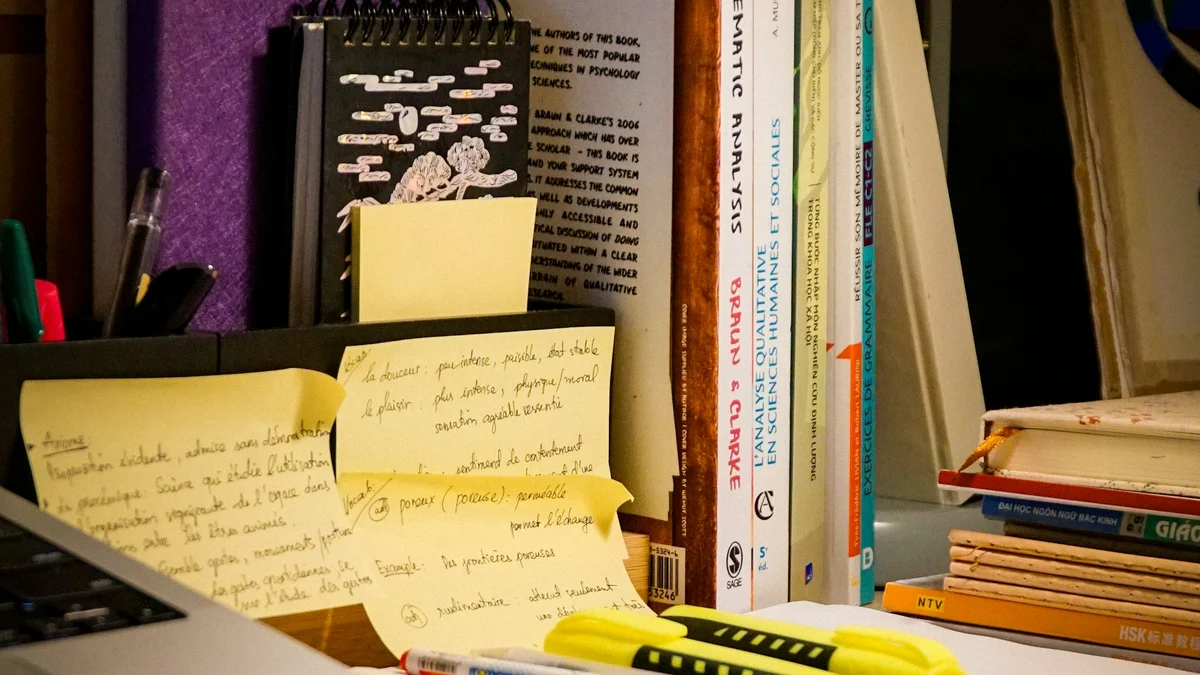
Use whole-page and selected-text translation with a sealed-jar sentence exercise. Preserve sample size, duration and exclusions in bilingual notes that still lead back to the original page.
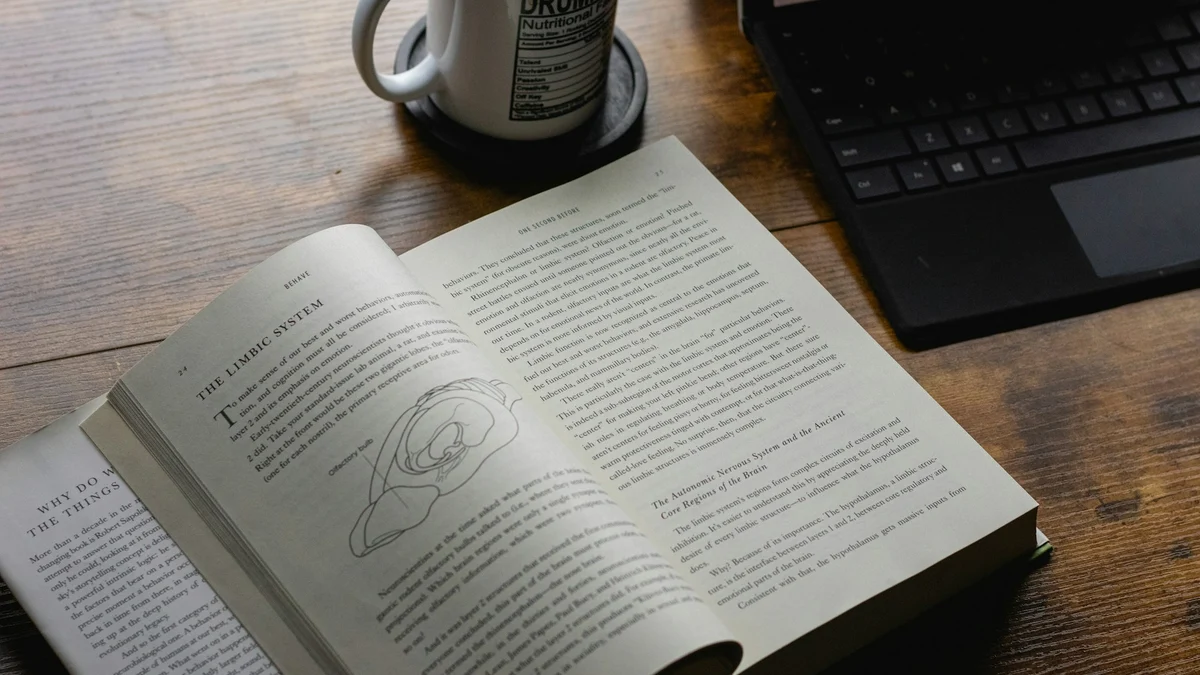
Turn a source-free note into search clues, adjust quoted phrases and site restrictions, then verify the original page, context and a reusable section locator.
Create a text-highlight link, verify its landing point and keep a plain-source fallback. Build a recoverable note with a short quotation, context and a real check date.
Use a mixed lecture-page example to distinguish desktop Chrome page zoom, font settings and print scaling. Check subscripts, minus signs and the final table column before taking notes.
Use two levels of Chrome search to retrieve study sources, locate definitions and preserve context. Includes desktop steps, a worked scenario and recovery checks.
Use Chrome print preview to check layout before selecting pages, preserve meaningful color and source details, and reopen the saved PDF to review the actual study material.
Prepare a real offline study session with an original three-resource example. Separate Chrome’s reading queue, local webpage files and online quizzes, then preserve source locations and unfinished steps.