What changed
Try the same materials with Touch and your existing keyboard or trackpad workflow. Check application support and the exported file before turning a new display into a purchasing conclusion.
Identify the models you are actually comparing
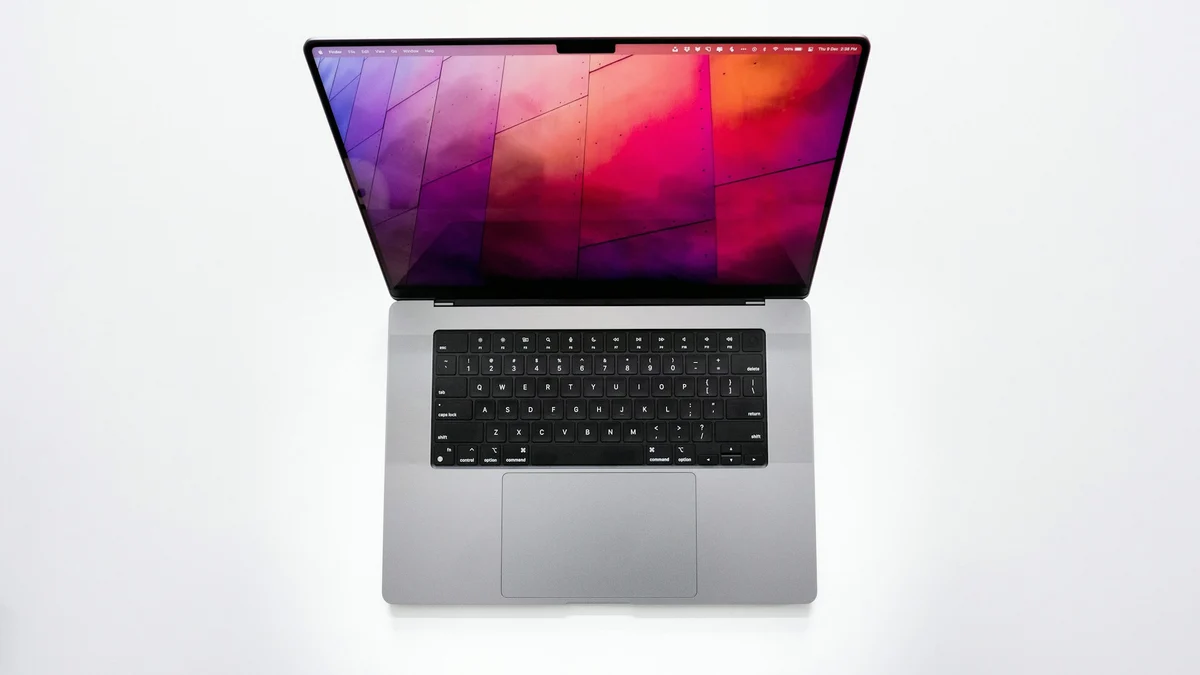
Apple’s US announcement describes 14-inch and 16-inch Touch models with tandem OLED PROLED XDR displays and M5 Pro or M5 Max. It lists US preorders from October 28 and availability beginning November 6. That schedule is not a guarantee that every individual order arrives on the first day.
Confirm the display and chip combination on the configuration page before comparing machines with similar names. The China-mainland announcement is a separate regional reference. This article’s purchasing-date example uses the US market rather than silently applying one region’s arrangement worldwide.
Separate the input method from computing capacity
Touch changes interaction with content; computing configuration answers another set of requirements. You might value directly selecting an object without needing heavy rendering capacity. Another reader may work mainly with long documents and spreadsheets through a keyboard. Those readers do not need an identical must-buy recommendation.
Display is a third decision. An image looking vivid on your own screen does not establish that its exported file meets a website or printer’s requirements. Write down the deliverable first and assess the display workflow against it, rather than substituting feature names for the task.
Three independent questions
Input
Does direct selection and zooming work well in your actual application?
Computing
What memory, storage and compute requirements arise from your projects?
Delivery
Does the recipient receive the required format, dimensions and color treatment?
Plan a repeatable trial with 20 fictional covers
This is an editorial trial plan, not device testing or a speed claim. Prepare 20 nonsensitive cover images, including four with small edge text and three with adjacent objects that are easy to misselect. Keep a written export requirement. Use the same materials and order for Touch and your existing input route.
Select the requested image, zoom to modify a particular detail, then export and inspect it in an independent viewer. Changing the application version, materials, output dimensions and input method at once makes any difference difficult to explain. A useful trial isolates the decision you are trying to make.
| Stage | Object of the check | Evidence to retain |
|---|---|---|
| Selection | The requested image or object | Correct selections and exact misselection locations |
| Local edit | Small text, crop and undo | Before/after content and a usable recovery route |
| Export | Real dimensions, format and detail | The resulting file, not an editor screenshot |
Record where it fails, not only how it feels
If direct input makes locating an image easier but selecting a small object unreliable, record both observations. A mixed workflow may suit you: direct interaction for navigation, familiar input for fine changes. The purpose is not to prove in advance that new hardware always makes work faster.
If the interface looks right but export loses an image, font or layer, investigate application and material dependencies first. The differences between PNG, JPEG and WebP affect transparency and file size; such output issues do not automatically originate in the display. This article does not establish compatibility for every application, peripheral or drawing pen.
Adopt or wait using checkable conditions
State adoption conditions concretely: the target application completes essential operations, source content survives, delivery files meet recipient requirements and the configuration fits your budget. If an essential condition remains unverified, keep the working route while seeking evidence rather than deciding from a launch headline.
For a desktop alternative, read the separate M6 iMac desk-configuration guide. Mobile interaction and desktop connections are different purchasing questions. Recheck current regional configuration, accessories and order timing before buying. An announcement is not your completed order.
Keep before making the purchase decision
- Exact model, chip, display and application version
- Unchanged trial materials and export requirements
- Misselection, recovery and output-file observations
- Current regional configuration and order estimate
- A list of compatibility questions still unverified