The workflow at a glance
Use fixed landmarks and an A→B→A route, changing one condition at a time. Genie 4 is a research preview for trusted testers. Google describes later access through Project Genie for Google AI Ultra subscribers and early-access API/AI Studio partners. We have not obtained or run the model; these are authored materials and editorial reference results.
Separate capability, account access and research limits
DeepMind’s announcement describes real-time interactive worlds, native audio and language-driven edits. It also names object permanence, spatial accuracy, legible text and long-term consistency as research challenges. A capability direction is not a guarantee that every scene will obey geometric constraints.
A Google subscription alone does not establish access to this preview. Check the actual entry point, waitlist and terms. Without access you can design a test, but cannot report having used or verified the model.
Retain three kinds of evidence
Official facts
The October 27 announcement and research-preview status.
Editorial design
A fictional layout, prompt and acceptance worksheet.
Actual execution
Real frames, operations and observations only after an account run.
Raw materials: three landmarks and one return route
The fictional scene is a riverside path. Start A is a cottage with a red door. Walking north reaches wooden bridge B; when heading north, the river is on the right. A pier sits upstream of the bridge. These are not real coordinates or a navigation map.
Move from A to B, return along the same path and check the door, bridge and pier relationships. Keep lighting fixed and add no characters or weather changes in the first run. This separates persistence from changes caused by complex editing.
| Object | Relationship to retain | Change to flag |
|---|---|---|
| Red-door cottage A | Recognizable as the same starting point | Door color or major appearance changes |
| Wooden bridge B | North along the path | Bridge detaches from the path or moves |
| Pier | Upstream of the bridge | Appears downstream on return |
Define the constraints before you begin
This is our original prompt, not an official demonstration prompt. The account interface determines supported inputs, controls and session conditions. A prompt cannot guarantee that every constraint will be followed.
Create a fictional riverside village. Start A is a red-door cottage. Walking north along the path reaches wooden bridge B; the river is on the right when heading north. A pier is upstream of the bridge. Keep lighting, weather and the three landmarks unchanged. Move from A to B and return along the same path. Do not rearrange landmarks for composition or add characters. If a constraint cannot be maintained, preserve the observable failure rather than describing it as satisfied.Completing the route can still fail the test
The editorial reference is: at B, the pier remains upstream; on returning to A, the same red-door cottage remains recognizable. There is no generated screenshot or reported model output here. Judge the relationships before rewarding attractive visuals.
An intentionally faulty log says: reached B and returned; the door became blue and the pier moved downstream; therefore the task succeeded. Movement progressed, but two constraints failed. Locate the first drift during movement, turning or a new instruction before adding more style requirements.
Repair the acceptance judgment
B reached and return completed; door turns blue and pier changes sides. The route finished, so everything passed.
The return route finished, but door color and pier position were not retained. Save the first drift point and retest separately.
With access, create a record that supports comparison
Retain the date, model or interface version, initial input, session conditions, control sequence and observations. On the second run change one factor, such as rain with the layout fixed. If conditions cannot be repeated, label observations exploratory rather than reporting a stable success rate.
As with acceptance cases for an AI-created tool, define success before execution. As with multi-document workflow coverage, a completion label cannot replace checking each requirement.
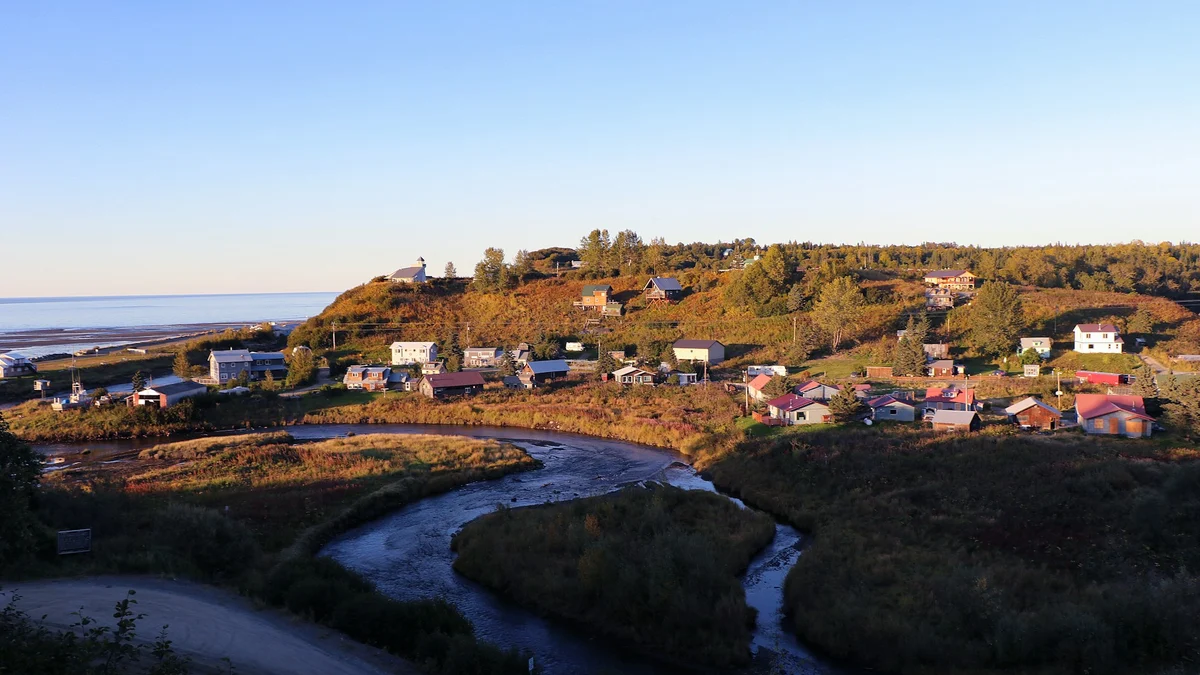
Do not use a generated world to establish road safety, building dimensions or physical laws, or present it as news footage. Label generated demonstrations and retain provenance. This cover is a real village photograph, not Genie output.
Keep these items for each run
- Confirm actual preview access; otherwise remain at test design.
- Record each landmark relationship during A→B→A.
- Save the first drift point and preceding inputs.
- Record the single changed condition and baseline for the next run.
- Distinguish official demonstrations, editorial references and your own output.
Common questions
Can it replace a precise map or engineering simulation?
Neither this preview nor this exercise establishes precise spatial or engineering validation. The official limitations still include spatial accuracy and complex physical interaction. Professional tasks require suitable data and validation.