What changed
The original Google announcement discusses modular design, My Pixel support and country-specific repair pages. It does not establish identical service for every Pixel or Fitbit in every market. Check the exact device in the relevant official regional flow, then confirm estimates, data preparation and handoff requirements before deciding what to do.
Three layers: hardware design, support and continued circulation
The announcement discusses modular design for Pixel Watch 4 and 5 and describes Fitbit Edge as its first repairable fitness tracker. A repairable structure can improve the hardware conditions for maintenance. It does not automatically mean every owner should open a device or that matching parts and service are available locally.
The other layers concern support entry points and keeping devices in use. Start with the device already in your hand, then compare available routes. This article does not turn the announcement into an individual quote, and it includes no teardown, durability measurement or repair-success test.
Ask the right question for each layer
Repairable design
Which model and components does the statement cover? Do not extend a current-series description to every older device.
Support access
What route does the official page actually offer in your region?
Refurbished and trade-in choices
Is this a purchase option or a repair route? Check each set of terms separately.
Country and model are more useful than a global-network slogan
The US Google Store repair page describes walk-in, mail-in and self-repair routes, with availability depending on location. It recommends self-repair only for people with relevant technical expertise. Regional page selection matters: a US option is not proof of eligibility elsewhere or for a device bought across a border.
Write down the exact model, present country, purchase region and fault symptoms. If a local flow does not list the device or route, ask official support rather than inferring eligibility by opening another country’s page. The announcement does not replace a device-specific service check.
| Situation | Check first | Do not assume |
|---|---|---|
| Damaged screen, device still usable | Local model support, estimate and preparation | Free or same-day service |
| Device will not start normally | Support instructions and existing backup | Data must survive the repair |
| Purchased in another country | Local acceptance of that exact model | Purchase and use regions offer identical service |
| Considering self-repair | Skills, official instructions and matching parts | Modular means appropriate for every owner |
A damaged screen does not settle the replacement decision
Here is an editorial decision example, not a repair quote. Suppose a Pixel screen is damaged but device information remains accessible. Confirm the model and region in the official flow, record the available route, then obtain the estimate and conditions for that device. Only then compare the route with your continued-use requirements.
Keep the word estimate if the page supplies an estimate. If inspection remains necessary, do not describe an initial option as the final charge. Leave unknowns blank. This approach does not presume repair is cheaper; it prevents a new-product headline from prematurely eliminating an available maintenance option.
Make the choice reviewable
The screen is damaged and a new device has launched, so replacement appears to be the only route.
Record model and region → confirm the available repair route → obtain the relevant estimate and preparation terms → decide how to continue using a device.
Check the handoff information before booking or shipping
- Confirm the exact model through official device information. Do not post a full serial number, order or address in a public discussion.
- Start with the official flow for the actual country and save the route and estimate conditions shown at that time.
- Follow current official backup, account and device-preparation instructions. Tell support when a step is impossible; do not presume data recovery after shipping.
- Record the device, included accessories, fault and service reference. Retain the status-check route and delivery or drop-off receipt.
Keep repair and new-device plans as separate tasks
Our HomeView shared-device report emphasizes account, market and household conditions. Repair needs equally specific checks. The overseas iPhone preorder guide concerns a new order, which cannot answer whether an existing device can be repaired. The two decisions need not be combined simply because their headlines appear in the same week.
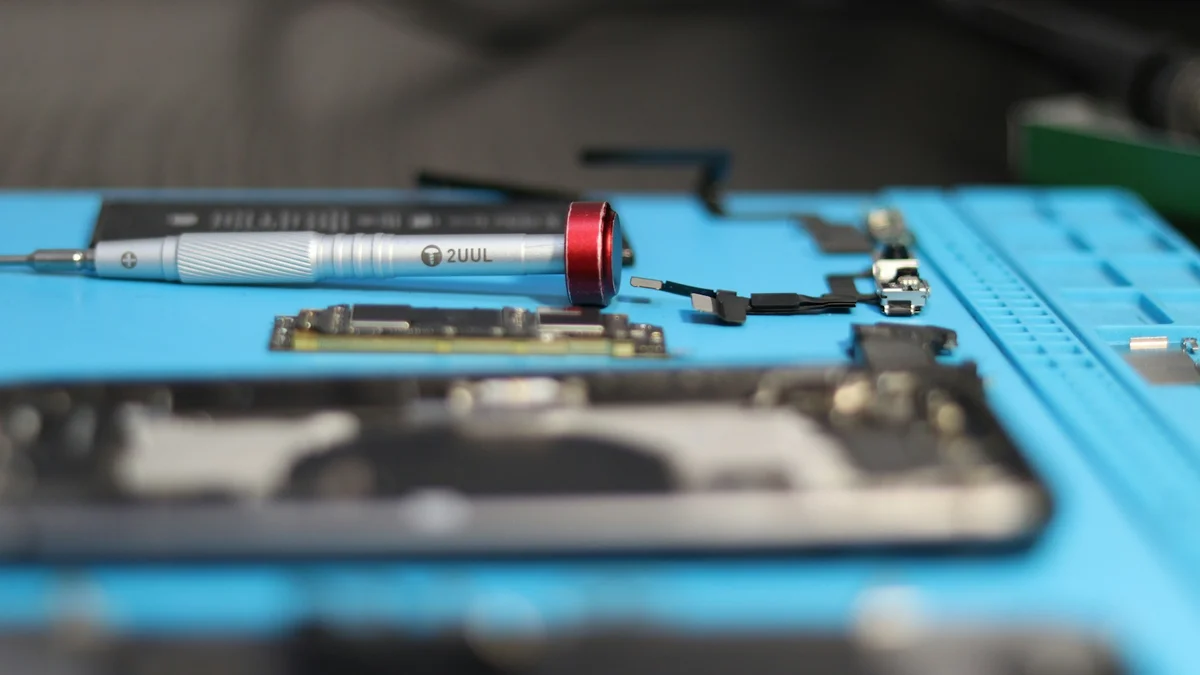
This article reviews the October 15 announcement and the US repair entry visible on October 18. Regional pages, estimates and terms can change; check again when actually arranging service. The cover is an illustrative repair-tools photograph, not Google’s official repair demonstration. This article does not provide disassembly instructions.
Before starting service
- The actual region and precise model have a currently available route.
- Estimate, inspection and further-approval terms are understood.
- Data and device preparation follow current official instructions.
- The service reference, handoff record and status page can be retrieved.
Common questions
Does modular design mean I should replace the battery myself?
Not by itself. Model-specific instructions, parts and technical experience still matter. The official repair page limits self-repair recommendations to people with relevant expertise.
Does a US mail-in option establish service in another country?
No. Check the actual local flow and device eligibility. Cross-border purchases need separate confirmation.
Does this news prove repair will be cheaper than replacement?
No. That requires an actual device-specific estimate, fault assessment and personal requirements. This article supplies no unverified price comparison.